9 /1 Channel RF433 Remote Control for WiFi Curtain Switch RF Roller Blinds Module Battery Powered Curtain Accessories Emitter
9 Channel Controller / 12V 23A
$29.99
Skip to product information



9 /1 Channel RF433 Remote Control for WiFi Curtain Switch RF Roller Blinds Module Battery Powered Curtain Accessories Emitter
$29.99
9 /1 Channel RF433 Remote Control for WiFi Curtain Switch RF Roller Blinds Module Battery Powered Curtain Accessories Emitter
Product Features:
1. 9 Channel RF433 frequency remote is designed for separately controlling our curtain switch and curtain switch module in a much easier way with its maximum controllable quantity of nine; easily achieve another control to the whole house curtains without interference after successfully paired, especially suitable for the old.
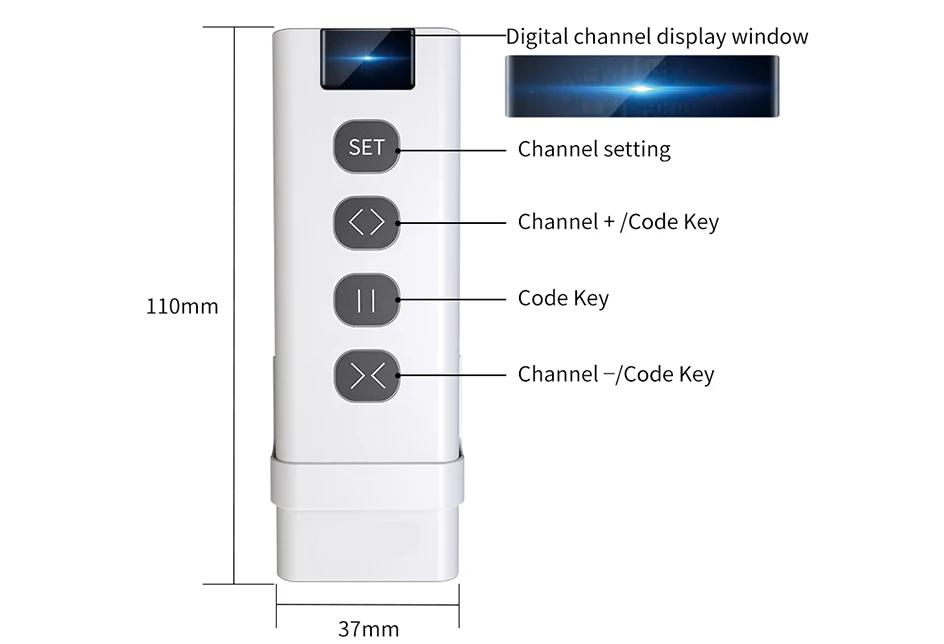
2. Extremely simple matching way supported for simple use. You need to pair the three button (up, down, stop) one by one to the curtain switch or switch module for correct control. With the new added set button for easy channel settings.
3. Encoding 1527 required for the remote. No other codes available for this curtain control system, highly recommend to use this special remote for controlling our curtain switch or switch module. Do not use this remote to control other irrelevant devices, only our curtain switch and switch module availabe.
4. Battery powered: 23A*12V battery required for this remote with long time standby.
(Battery is not included)
Note: 9 Channel can only be used with our Curtain switch and curtain switch module;Choose the right version for your own need before placing your order.
9/1ChannelRF 433 Curtain Remote Control
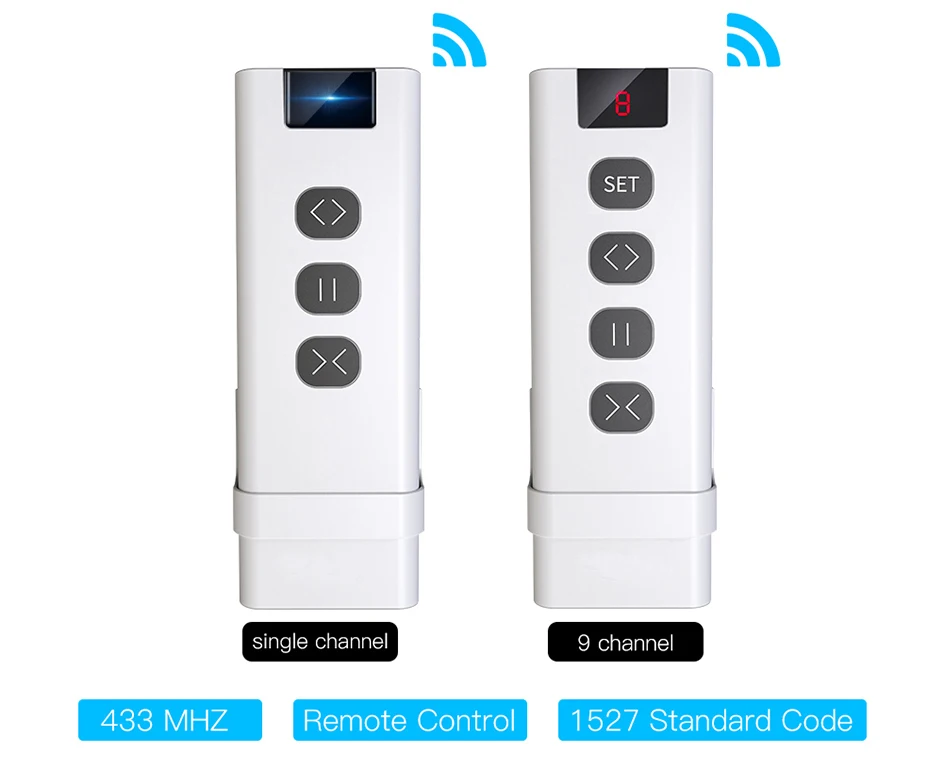
Control one curtain switch with singlechannel remote
Separately control 9 curtains without interference
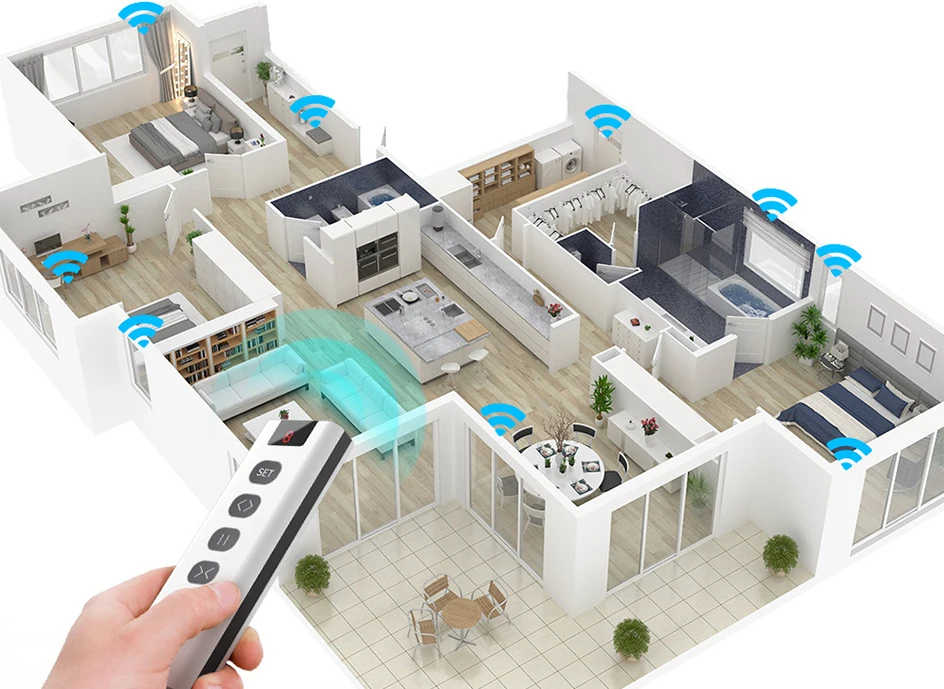
Pair with RF433 frequency with 1527 encoding
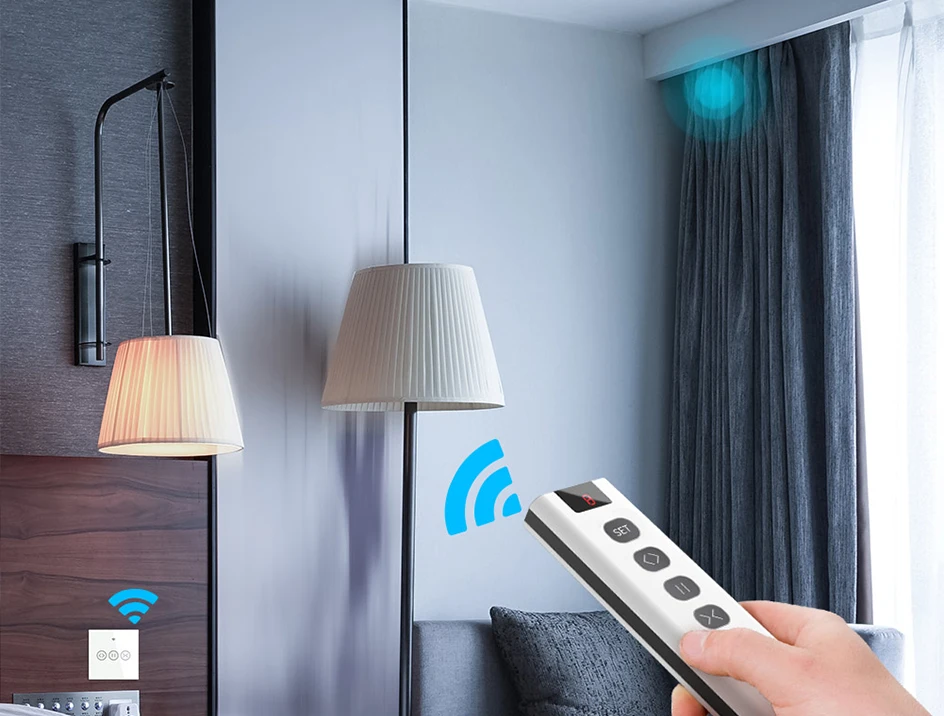
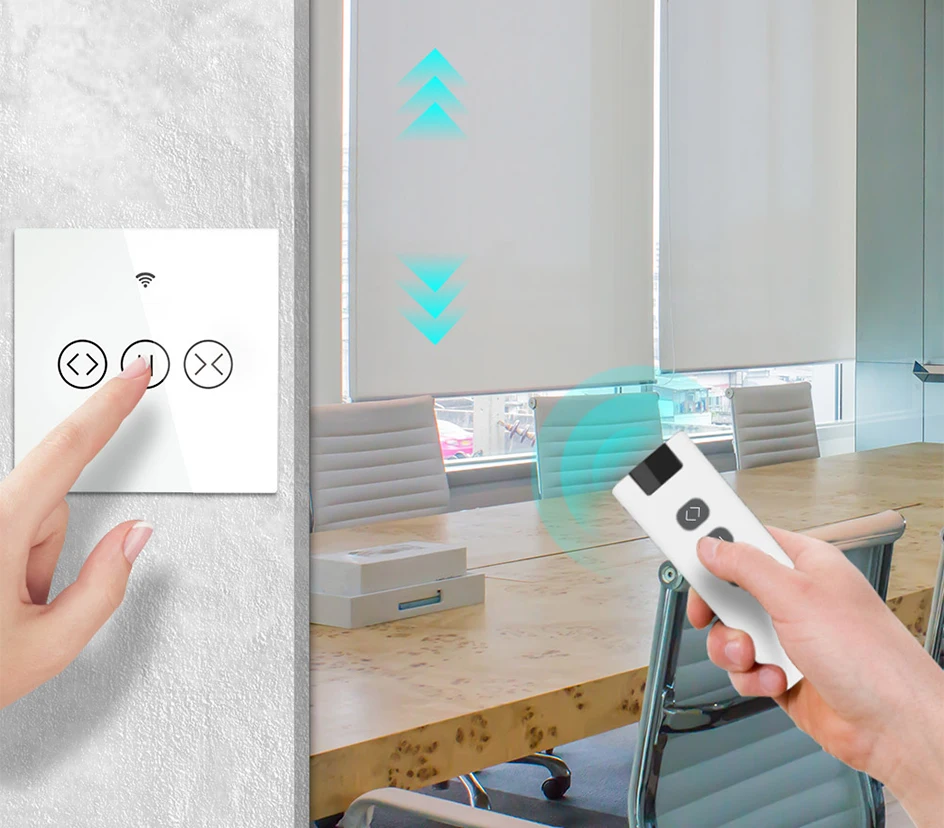
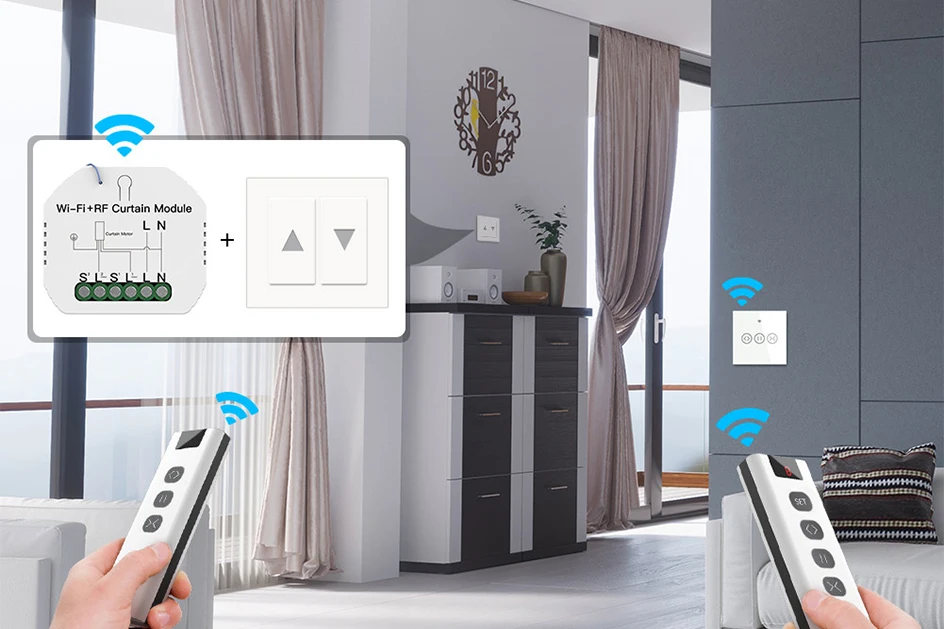
Available with our RF curtain switch and curtain switch module
Note: the switch and switch module is not included in the package
| Function Description |
|
|
|
Channel setting
1. Press "SET", digital tube flashes for setup mode.
2. Press "<>" in setup mode, channel value increases. When the channel value increases to 8, press the key again to start increasing from 0. 3. Press "><" in setup mode, channel value decreases. When the channel value decreases to 0, press the key again to start decreasing from 8. 4. Press "SET" in setup mode, the digital tube stops flashing for exiting setup mode. |
|
Transmit code
Press any key among "<>" "
||" "><" in non-setup mode, then remote starts to transmit signal, the red indicator in the lower right corner flashes fast to indicate it is transmitting . Release the key to stop transmitting and the digital tube stops lighting.
|
|
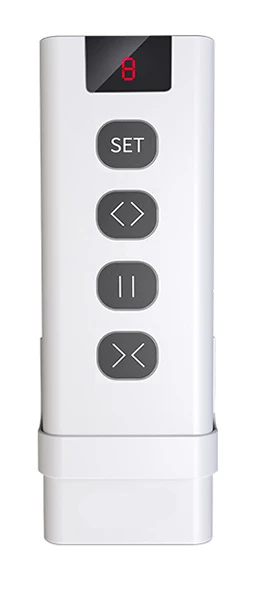
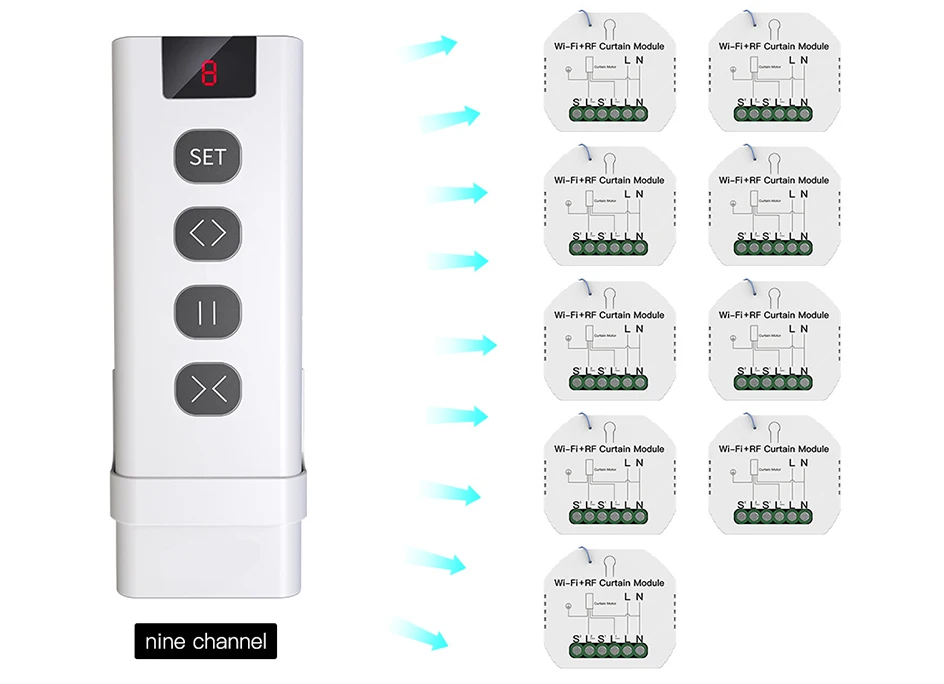
Control nine switch modules independently
Note : 0-8 channel available for controlling alone and use it to control one, two or three devices, etc.
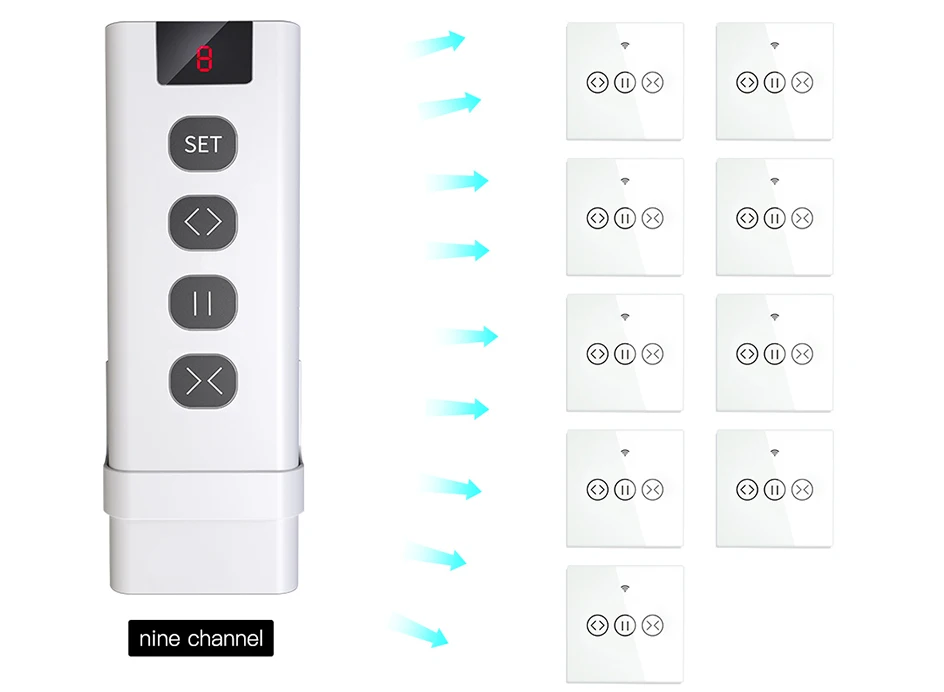
Control nine switches independently
Note : 0-8 channel available for controlling alone and use it to control one, two or three devices, etc.
Specification